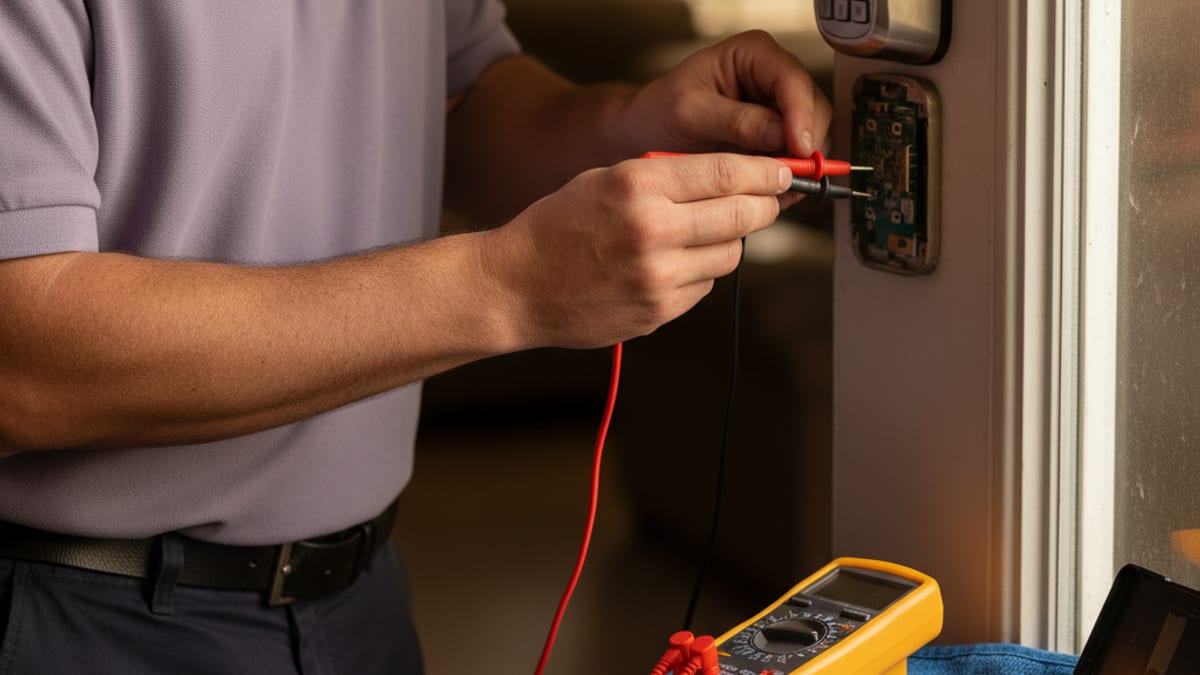
Smart locks are great until they aren’t. When a keypad stops responding, the app shows “offline,” or the motor sounds like it’s struggling to extend the bolt, there’s almost always a fixable cause. If the issue turns out to be hardware-level, the smart lock installation page connects you with an independent locksmith who can quote a replacement or setup. Here are the nine most common smart lock issues independent locksmiths troubleshoot in San Diego and how to fix each one yourself, or when to call.
1. Lock won’t pair with the app
Symptoms: new lock won’t connect, “searching for device” forever, Bluetooth error
Cause: the most common reason is that the lock is still paired (in memory) to a previous phone or account. Smart locks hold onto one pairing at a time.
Fix:
- Remove the batteries for 60 seconds to fully power-cycle
- Hold down the reset button (usually inside the battery compartment, small recessed hole requiring a paperclip) for 10 seconds while inserting the batteries
- The keypad lights or the motor chirps to confirm factory reset
- Open the app fresh and pair as a new device
If it still won’t pair: move your phone within 3 feet of the lock, turn Bluetooth off and on on the phone, and try again. Pairing distance issues are almost always phone-side, not lock-side.
2. Lock keeps going offline (Wi-Fi models)
Symptoms: app shows lock as “offline,” remote unlock doesn’t work, notifications stop arriving
Cause: weak Wi-Fi signal at the door location, or the lock’s antenna is struggling through metal mesh or stucco.
Fix:
- Check the Wi-Fi signal strength at the door with your phone, if it’s below 2 bars, that’s your problem
- Add a Wi-Fi extender or mesh node within 15-20 feet of the lock
- If your router is dual-band, make sure the lock is on 2.4GHz (smart locks rarely support 5GHz because the range is shorter)
Heads up: stucco walls with metal mesh reinforcement (common in older San Diego construction) block Wi-Fi more than drywall. Homes in Hillcrest, North Park, and older coastal zones often need a mesh node near the front door.
3. Keypad is slow or unresponsive
Symptoms: you press a key and there’s a 1-2 second delay, keys don’t register consistently, the backlight is dim
Cause: low batteries, even if the lock hasn’t warned you yet.
Fix:
- Replace all 4 batteries at once (not just the ones that look corroded) with fresh alkalines from a reputable brand
- Test the keypad, response should be immediate and the backlight should be clearly lit
Don’t use rechargeable batteries in smart locks. They deliver 1.2V instead of 1.5V, which is below the spec for most smart lock motors. You’ll get inconsistent behavior and shorter life.
4. Motor buzzing or straining to extend the bolt
Symptoms: you hear the motor running but the bolt doesn’t fully extend, or the bolt extends part way and stops
Cause: strike plate misalignment. The motor is working against the door’s resistance instead of cleanly dropping the bolt into the strike hole.
Fix:
- Open the door fully and test the bolt, it should extend smoothly with no resistance
- Close the door and watch where the bolt meets the strike, if it catches the edge or requires any door-lifting, the strike is off
- Enlarge the strike plate opening slightly (1-2mm with a file) so the bolt drops in with a little clearance
- Or, better, realign the strike plate entirely. Remove, mark the real bolt position, remount 2-3mm higher/lower to align
This is the #1 cause of premature battery failure in smart locks. A binding install drains batteries in 3-4 months; a clean install runs 9-12 months.
5. Code worked yesterday, doesn’t work today
Symptoms: a code that used to work now gives the invalid-code beep
Cause: most commonly, the code has expired (if you set a time limit) or was auto-deleted by the app (rare but happens with some auto-cleanup rules).
Fix:
- Check the app for the code, is it still active?
- If you use scheduled codes (e.g., cleaner’s code only works Tues 2-4pm), check whether today falls within the schedule
- If the code shows as active and the schedule is right, delete and re-add the code. Sometimes codes get corrupted in the lock’s memory
- On Yale and August locks, the app occasionally needs to be force-synced: open the app, go to the lock, pull down to refresh
If multiple codes stop working simultaneously, the lock’s internal memory may have corrupted, you might need to factory-reset and re-add all codes.
6. Auto-lock not triggering
Symptoms: door closes, auto-lock timer runs, but the bolt never extends
Cause: the lock thinks the door is still open. Most smart locks use either a door-position sensor (magnetic) or an internal tilt sensor to determine door state.
Fix:
- If your lock has a separate door sensor (magnet on the frame), check that it’s aligned with the sensor on the door within 1/2 inch
- If the sensor is built into the lock, the lock is detecting movement and canceling the auto-lock, adjust your closing habit to let the door fully settle before auto-lock runs
- Check the auto-lock timer setting in the app. Some users inadvertently set it to “never” or disable the feature
7. Lock won’t accept new codes
Symptoms: you enter programming mode but new codes don’t save, or the app says “code added” but the keypad rejects it
Cause: the lock’s code memory is full, or the programming code itself has been forgotten/wrong.
Fix:
- Check how many codes are currently stored, most consumer smart locks hold 30-100 codes; hitting the limit blocks new additions
- Delete old unused codes to free up slots
- If you’ve forgotten the programming/master code, you’ll need to factory reset and reconfigure from scratch. The reset procedure is different per brand, check the manual
8. App says “locked” but the door actually isn’t
Symptoms: the app shows the deadbolt as locked, but you try the handle and the door swings open
Cause: usually a sensor drift or the motor ran but didn’t successfully extend the bolt. Sometimes the lock reports a “commanded state” rather than a “sensed state.”
Fix:
- Physically check the door. Manually lock and unlock the deadbolt a few times
- In the app, send an explicit “lock” command and watch the deadbolt through the gap in the door
- If the app is reporting incorrect state, force-sync the lock with the app (usually pull-to-refresh in the lock’s detail view)
This is a serious issue, a lock that thinks it’s locked but isn’t is worse than a lock with no status at all. If it happens more than once, replace the lock.
9. Battery drains in 2-3 months instead of 9-12
Symptoms: you’re replacing batteries every quarter instead of annually
Cause: binding install, extreme temperatures, or high activity level.
Fix:
- Check strike alignment first. A misaligned strike is the #1 cause (see problem #4)
- Reduce Wi-Fi wake events. Wi-Fi smart locks that report every lock/unlock drain batteries 2x faster than Bluetooth-only. Some apps let you disable real-time reporting
- Reduce auto-lock frequency. Every auto-lock run uses battery. Setting it to 60 seconds instead of 30 seconds cuts battery cycles in half
- Check for firmware bugs. Occasionally a firmware update drains batteries faster; wait for the next update or roll back if possible
- Move to premium lithium batteries. Energizer Ultimate Lithium runs about 2x longer than alkalines in smart locks. Worth the cost.
Two brand-specific deep dives worth bookmarking: Yale Assure lock problems and fixes and, when the issue is the network rather than the lock, smart lock won’t connect to WiFi.
When to call a locksmith for smart lock issues
Some issues warrant professional help:
- The lock physically won’t unlock with the keypad, the app, or the override key, you’re locked out of your own door
- The motor has died or the internal electronics are clearly damaged
- The strike plate alignment can’t be fixed with simple adjustment (door has warped, frame has shifted)
- You need to reset a lock but have no access to the physical reset button without removing the interior cover
Frequently asked questions
Why does my smart lock keep going offline even though my Wi-Fi is working?
The most common cause is weak signal at the door, not a router problem. Stucco walls with metal mesh reinforcement, common in older San Diego construction in areas like Hillcrest and North Park, block Wi-Fi more than standard drywall. Check your phone’s signal strength right at the door. If you see two bars or less, add a mesh node or Wi-Fi extender within 15 to 20 feet of the lock. Also make sure the lock is on the 2.4GHz band, not 5GHz.
How long should smart lock batteries last?
9 to 12 months is normal for fresh alkaline batteries in a properly installed lock. If you’re replacing batteries every 2 to 3 months, the most likely cause is a binding strike plate forcing the motor to work harder than it should (see problem 4 above). A clean install with proper strike alignment is the single biggest factor in battery life.
Can a locksmith fix a smart lock, or does it need to go back to the manufacturer?
Most hardware-level issues, motor failure, strike misalignment, a warped door frame that prevents proper bolt travel, can be fixed on-site by a locksmith without involving the manufacturer. Software or firmware issues are typically handled through the lock’s app. If the lock’s internal electronics have failed, a locksmith can replace the unit at your door rather than shipping it back. They quote replacement before removing any hardware.
Why does my smart lock say it’s locked but the door opens anyway?
This is a sensor drift issue where the lock reports a commanded state rather than a sensed one. It means the motor ran but didn’t fully extend the bolt, or the lock’s door-position sensor is misreading. Manually lock and unlock the bolt several times, then send an explicit lock command through the app while watching the bolt through the door gap. If it happens more than once, the lock should be replaced. A lock that thinks it’s secure when it isn’t is a real safety problem.
My smart lock code stopped working overnight. What happened?
If you would rather start clean than debug it, the keyless code reset reference has the factory-reset sequence by brand. Check the app first. The most common causes are an expired scheduled code, an auto-cleanup rule that deleted the code, or a sync issue between the app and the lock’s internal memory. Delete the code in the app and re-add it fresh. If multiple codes stop working at the same time, the lock’s internal memory may have corrupted and a factory reset followed by re-adding all codes is the fix.
Smart lock acting up in San Diego? Swift Key San Diego is a referral service. Call (858) 400-4082. We match you with an independent locksmith. Ask whether they can repair the unit at the door or quote a replacement before they remove hardware. You contract with that locksmith.